To sign in to your WordPress site, go to https://yourdomain.com/wp-admin and enter your WordPress username and password. If you forgot the password, click "Lost your password?" on that screen and WordPress emails a reset link to the admin email address. You can also open WordPress straight from WP Toolkit in cPanel without a password.
Your WordPress login is not the same as your ParsonsHosting account login. To sign in to billing and support, use https://parsonshosting.com/login (see "How do I sign in to ParsonsHosting and change my password?").
All WordPress websites include a Dashboard where access to Users, Posts, Pages, Plugins, Themes, Settings, and more can be accessed. To login, 1st you must be a registered user. Some WordPress websites have a box checked in the Settings -> General area where it says "Anyone can register". When that box is checked, an option to register is available on the login page for your WordPress website. Otherwise, a user with the authority of "Administrator" must manually add you as a user.
By default, new registrants are assigned the role of "Subscriber". Read about different role assignments here: Roles and Capabilities
How to sign in to your WordPress website
Go to <your-domain.com>/wp-admin to login.
Looks like this:
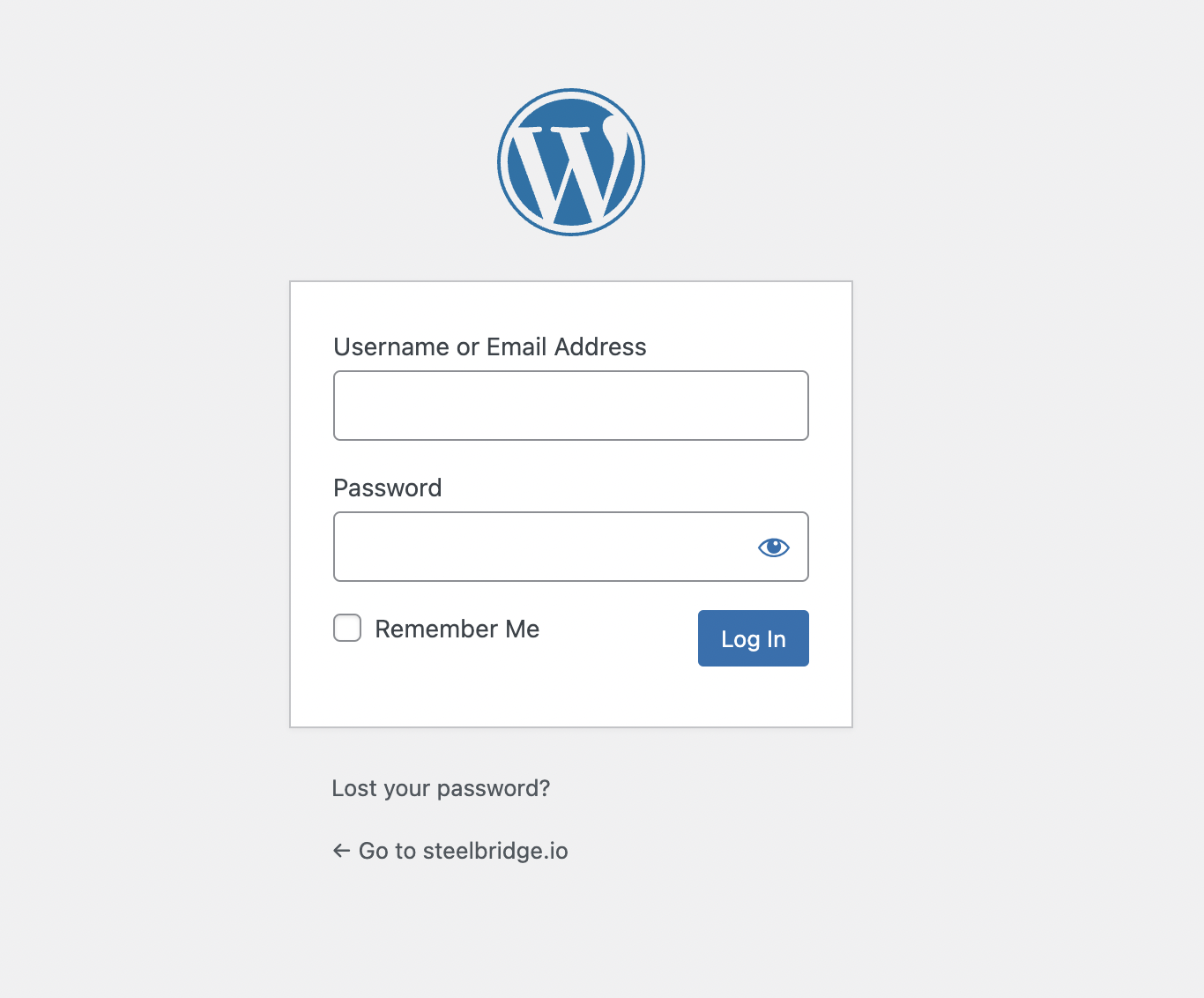
Enter your email or username plus your password. If you forgot your password, click on the "Lost your password?" option found just below the login inputs.
How do I reset my WordPress password?
On the sign-in screen, click "Lost your password?" just below the login form.
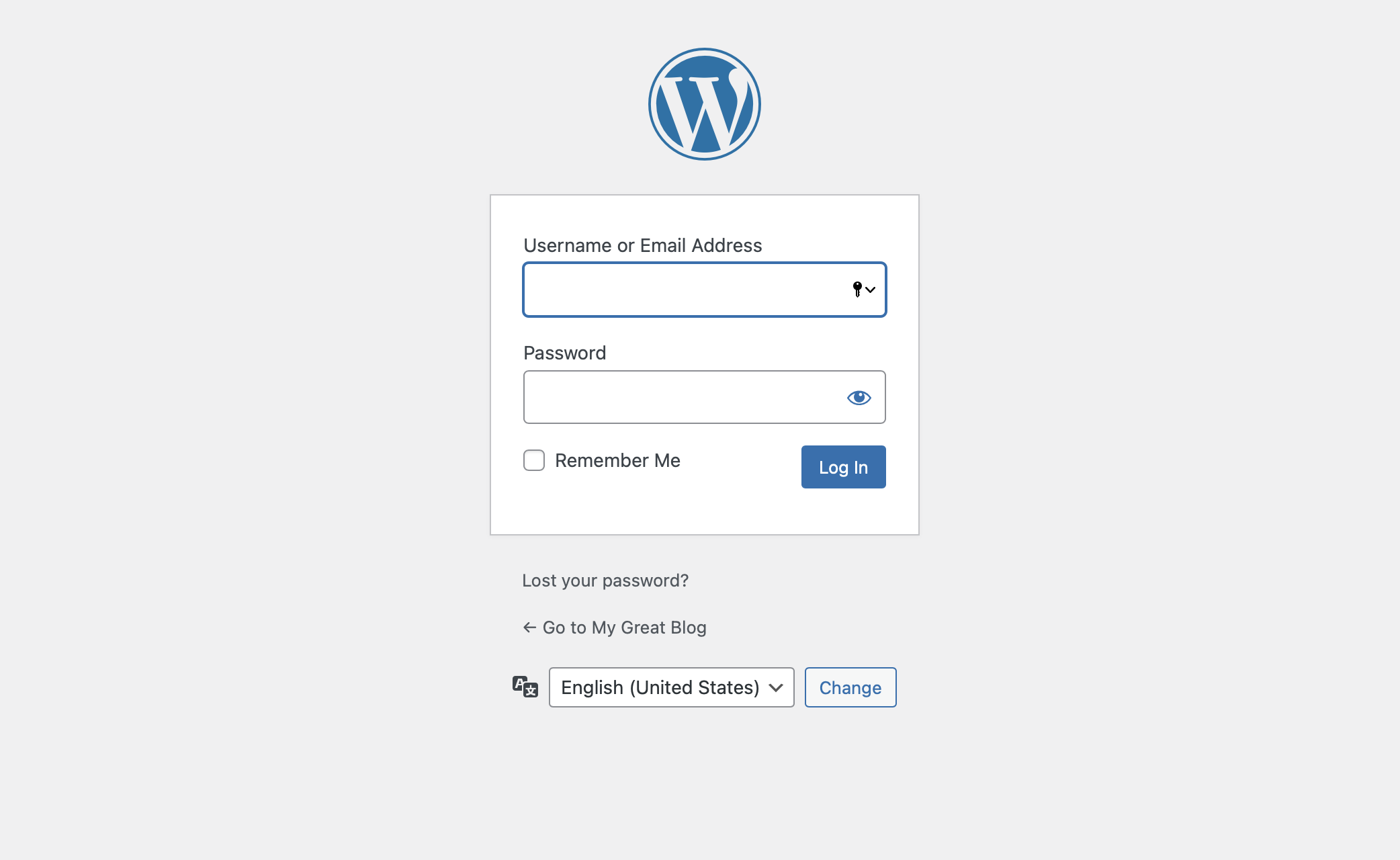
Enter the email address of your WordPress user. WordPress sends a password reset email to that address, assuming you are a registered user on that site. Check your spam folder if you do not see it.
Open the email and click the link. Your browser opens a page where you can enter a new password. Save it, then sign in with the new password.
Here is a video showing all the steps:
Questions? Contact us directly here Contact Us
Written by Chris Parsons, ParsonsHosting, Sisters, Oregon. Last updated: October 2026.
